
There are the unique functions that OPUS provides. Our system will allow you to convert your current operating COA (Refer to "What's COA Mapping" for what COA means) to your state COA requirements and/or your authorizer-required COA.
These are part of your charter contract compliance requirement for most Charter schools. In other words, our COA Mapping tool will now allow you to continue operating with your current COA while helping you to auto covert your COA into compliance report required COA format with a few clicks of a button.
This function only will apply to Act 3 - Existing School Module. You do not need COA mapping to use your Budget Template. For any additional questions, please contact your onboarding rep for more clarification.

During our onboarding process, you will be requested to provide your current accounting system COA template in excel. You can find the template based on the screenshot below. You can click on blue "i" to access the excel format if needed.
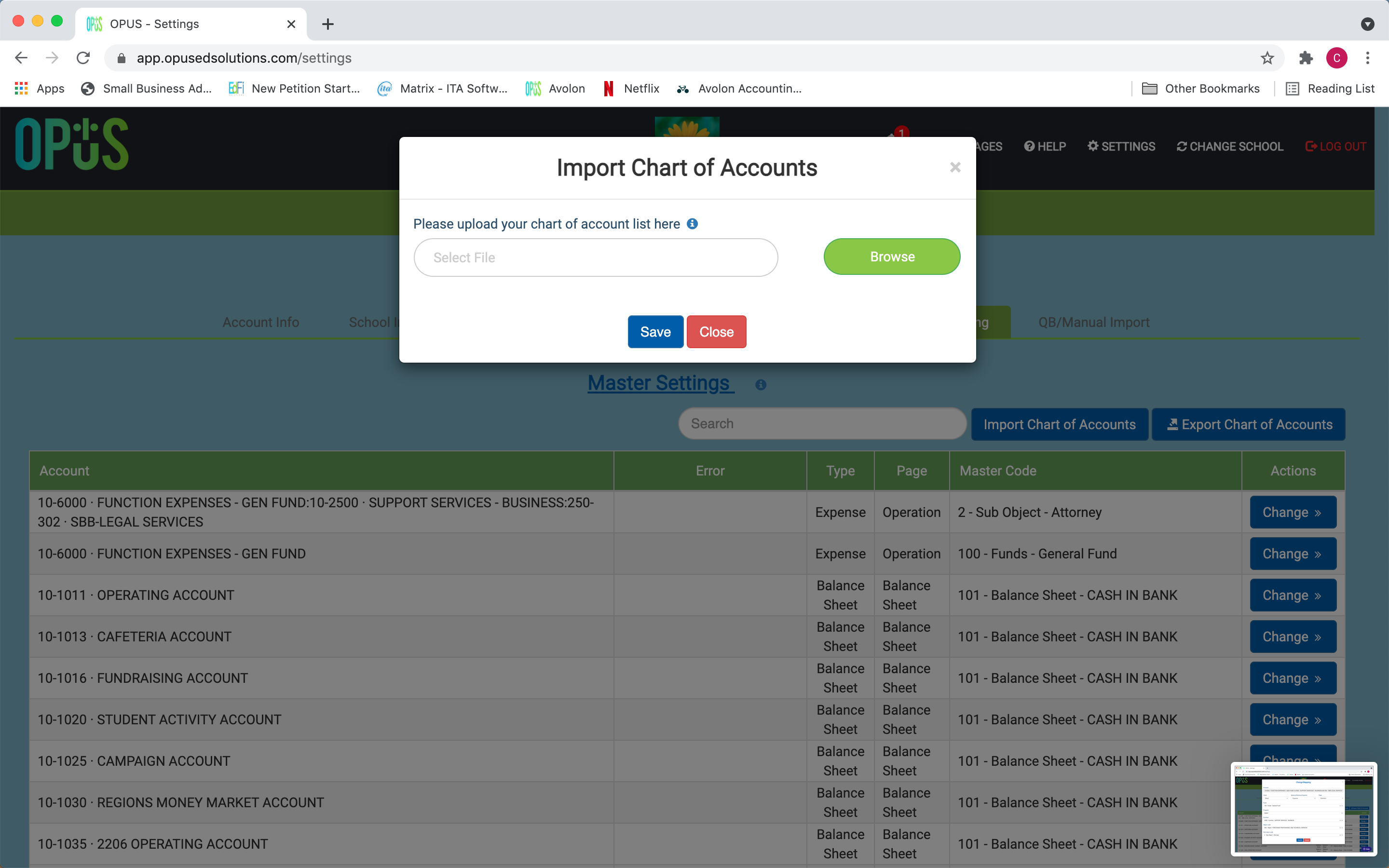 Upon receiving this template, our experienced accountants will help you create the initial (COA) mapping within the OPUS system. Once it is complete, our onboarding team will notify you.
At this point, your current accounting system Chart of Accounts (COA) will be mapped to your state compliance required Chart of Accounts (COA).

Now you can start to run your financial compliance reports with just a few clicks of a button.
Comments
0 comments
Article is closed for comments.