
This module only requires one time setup on customer's end. Here are the steps to start use Act 2:
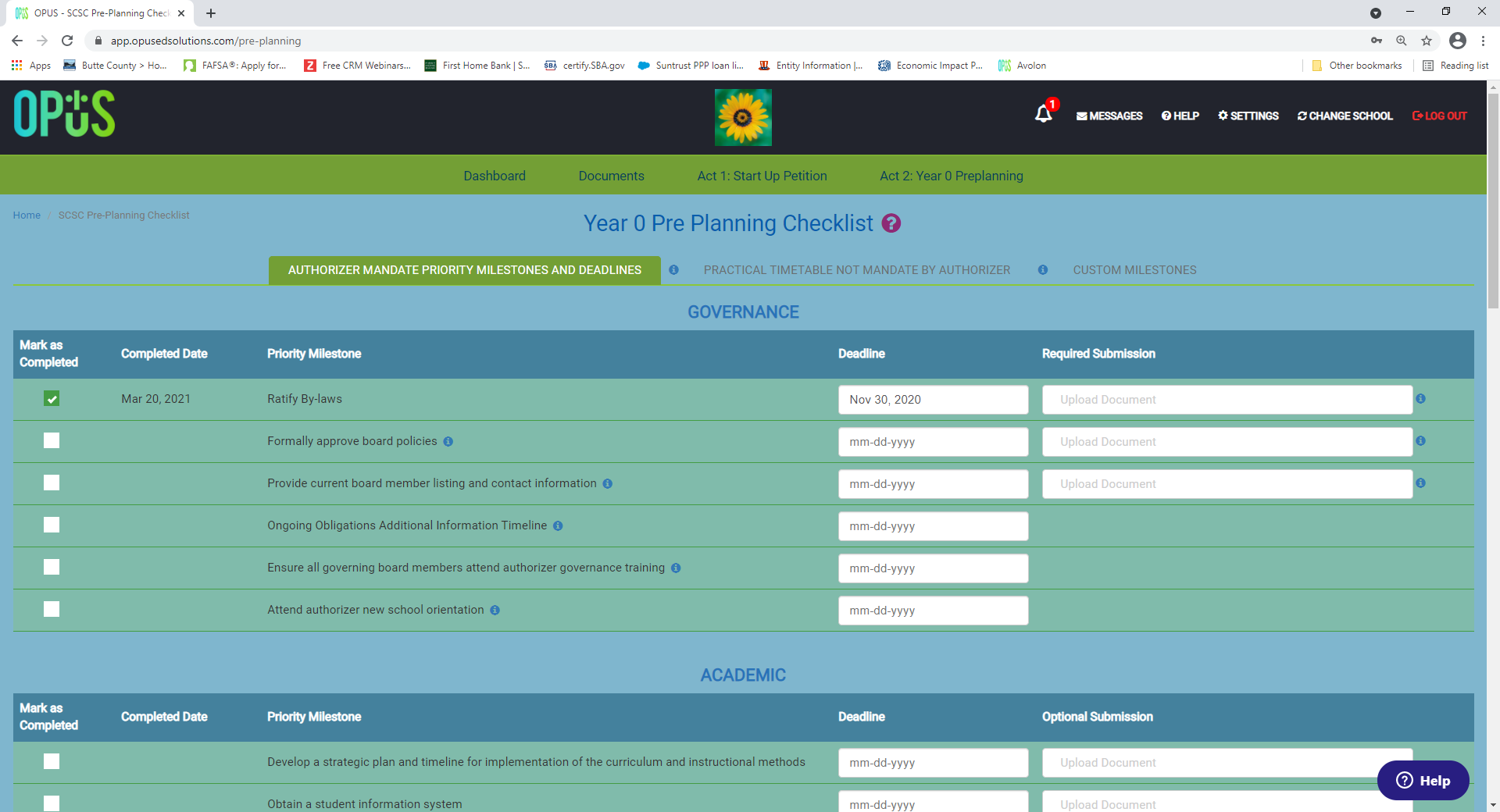
- Once you have the access to this Module, school admin will go through each type of timetable to manually enter the due dates based on each type of the timetable. To understand the type of timetable, please click here. Please refer to your authorizer's schedule for the Mandate schedule.
- Set up all users within OPUS. See how to set up users.
- Once both due date and users are been set up by school admin, you are DONE!
- OPUS will start to track of your due date automatically. As you are drawing close to your due date, all users set up within the OPUS will receive automatically notification emails to keep you and your team on track of the timeline.
- Please make sure to save OPUS email in your email contact list, so this auto notification email won't be in your Spam email.
- When each the items are coming due, you and your team can now come back to OPUS and upload related documents and check off the items as "Completed"
Comments
0 comments
Article is closed for comments.